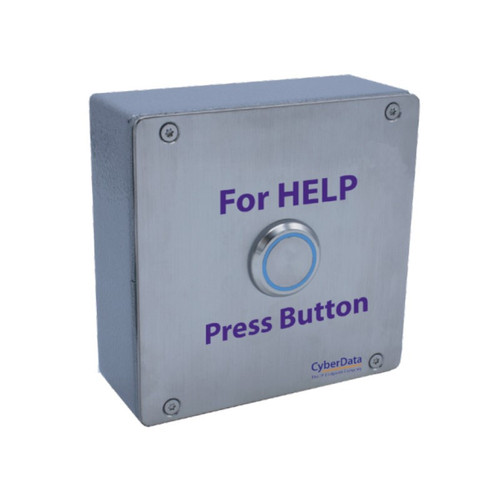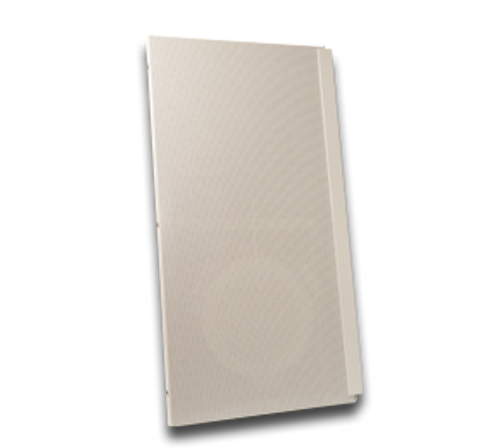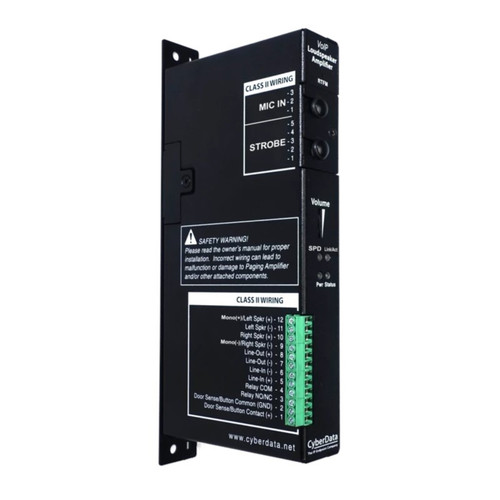







The CyberData Remote Call Button is an optional accessory that, when connected to a CyberData Talk-Back Speaker, allows users to make a call to a predefined phone number. Additionally, when the Talk-Back Speaker is called from a remote phone and Auto-Answer is not enabled on the Speaker’s Web Interface, the LED on the Call Button will blink. A press of the Call Button will answer the incoming call. If installed in close proximity to the Speaker, the Remote Call Button can also be configured for Push to Talk on the Speaker side. The Speaker’s Web interface allows user programmable scenarios of the Button’s LED light to show call activity.
Core Features:
- Operates in SIP and InformaCast Enabled environments
- Can initiate a call from or receive a call to the Talk-Back Speaker
- Enables Push to Talk half duplex audio from the Speaker side for loud environments
- User Programmable LED Light to show call activity
- Easy mounting enclosure
| Weight | 0.5 lbs |
|---|---|
| Dimensions | 8 × 6 × 3 in |
| Brand | CyberData |
| Paging Unit Type | Intercom, Push Button |
- Mounting: Standard single gang or flush mount
- LED Light Color: Blue
- Operating Range:
- Temperature: -40 degrees C to 55 degrees C (-40 degrees F to 131 degrees F)
- Humidity: 5-95%, non-condensing
- Storage Temperature: -40 degrees C to 70 degrees C (-40 degrees F to 158 degrees F)
- Storage Altitude: Up to 15,000 ft. (4573 m)
We can ship to virtually any address in the world. Note that there are restrictions on some products, and some products cannot be ship to international destinations.
Please also note that the shipping rates for many items we sell are weight-based. The weight of any such item can be found on its detail page. To reflect the policies of the shipping companies we use, all weights will be rounded up to the next full pound.